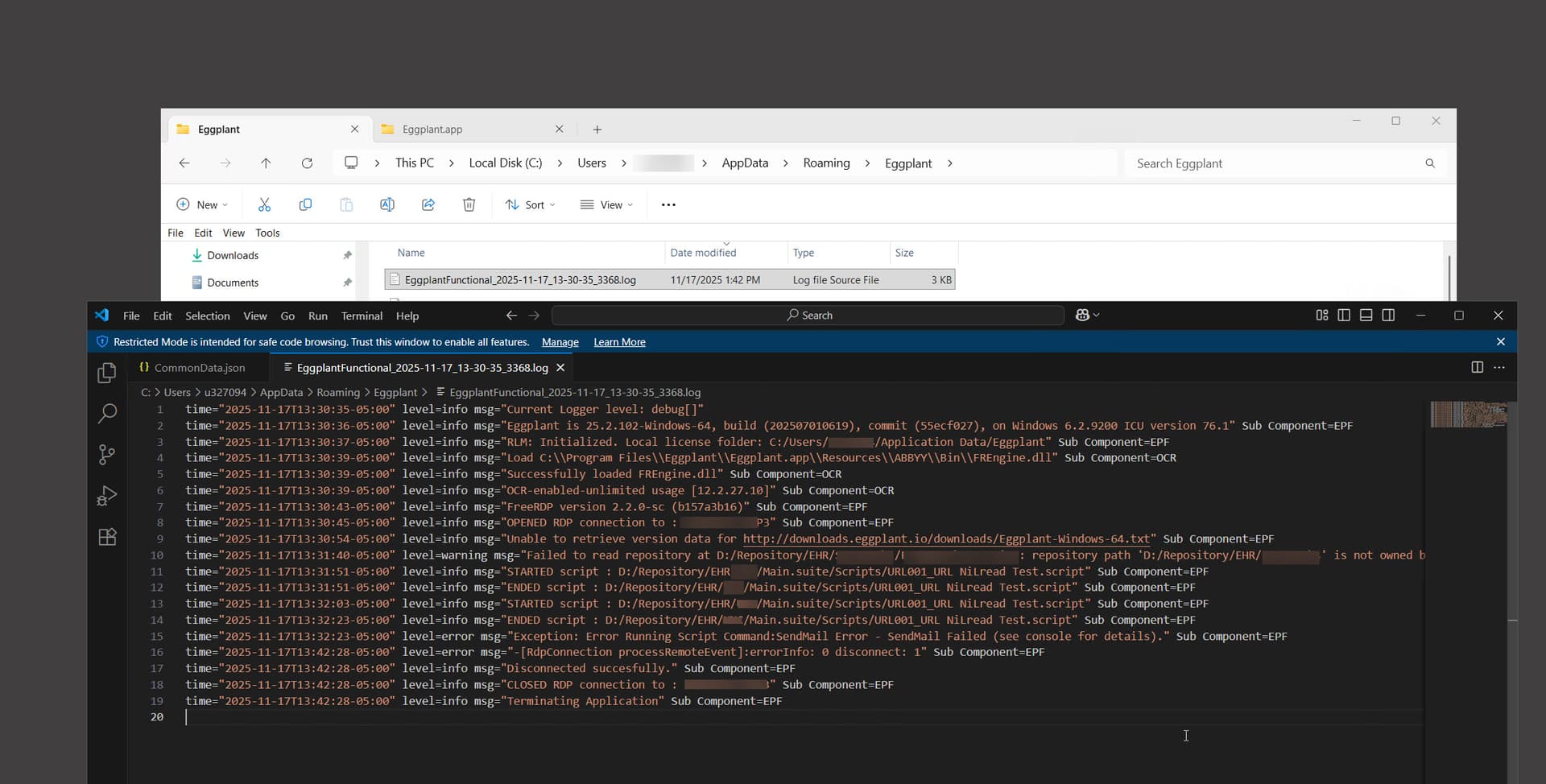
I have a customer that is unable to send email using EPF v25.2.102 SendMail. I know the settings and parameters are correct as I can send through my local machine and a different customer using the same parameters and do not need assistance troubleshooting the actual cause as I am pretty sure that this is a network configuration error on the customer side not allowing access to our SMTP server. My question is: Where is the “Console” located to find the logs of the error? They are requesting the logs for this error to show the details.
I used to be able to find it at C:\Users<username>\AppData\Roaming\Eggplant.
I still find a log here, but it gives the same generic error message: “Exception: Error Running Script Command: SendMail Error - SendMail Failed (see console for details.)”